

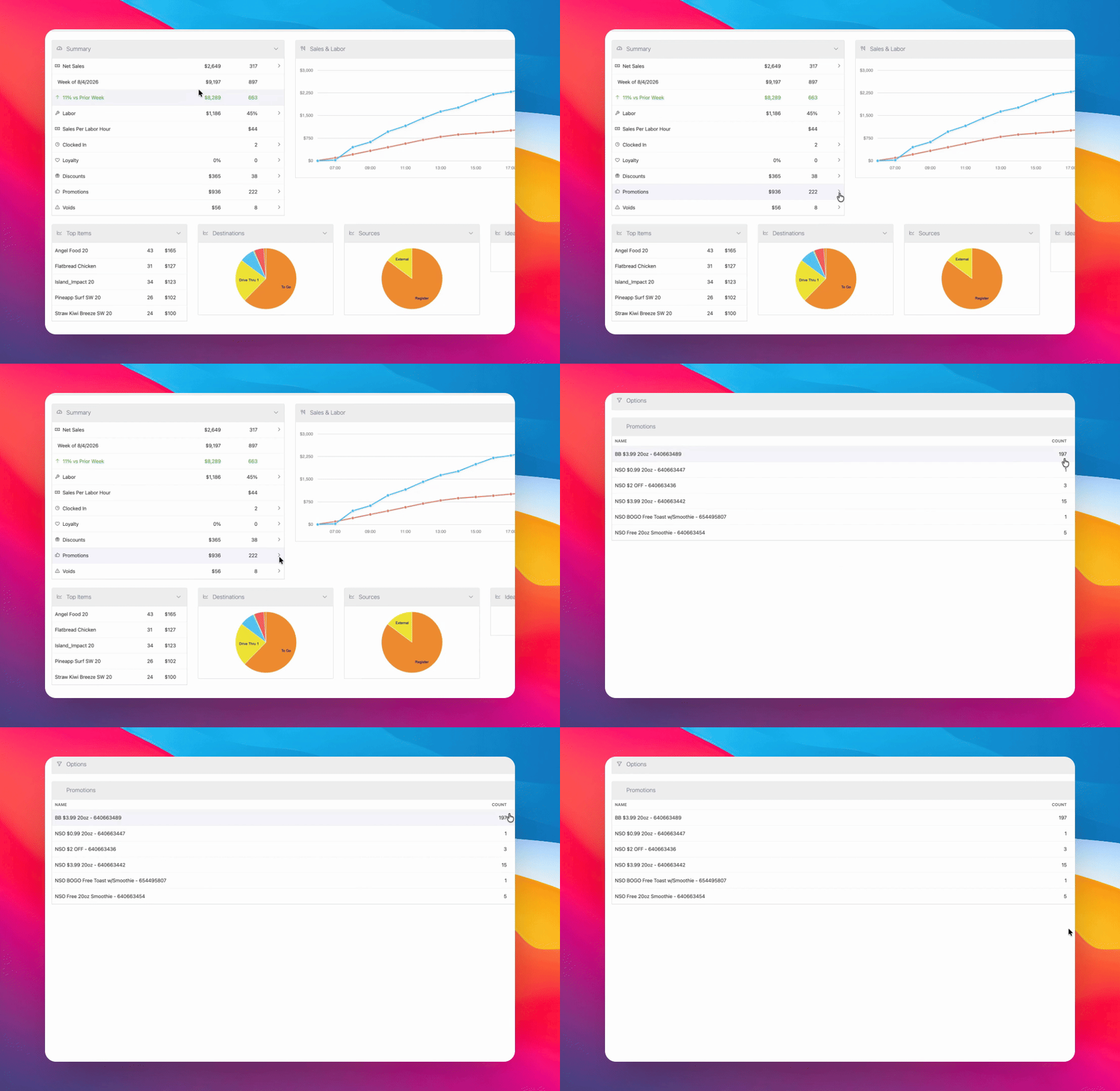
To view how promo redemptions are performing, you need access to a dashboard that displays this information. This dashboard is typically available from the home page, along with other options and a summary. Let's look at the steps:
Step 1: Log In
Log in to your account to access the dashboard. Make sure you use the correct credentials for your account.
Step 2: View the Dashboard
After logging in, navigate to the home page. Look for the dashboard section where you can see the promos and check how redemptions are performing. If you do not see this information, you may need to request access.
If you cannot view the promo dashboard after logging in, contact your administrator or support team to request access.